Two modes, one app
Caption your own broadcast as you speak, or subtitle any stream already playing on your machine.
 Live captions, on air
LiveStreamCC transcribes your desktop audio in real time, so you can caption your own broadcast or add subtitles to any stream you're watching.
Free 2-week trial · no credit card · no account needed for Viewer mode · Windows 10/11 (64-bit)macOS and iOS coming soon.
Drop a follow if these live captions are helping you keep up!
Caption your own broadcast, or add captions to a stream you're watching.
Point it at your microphone or your system audio and test the level.
Send captions to an overlay, a window, or OBS — styled the way you like.
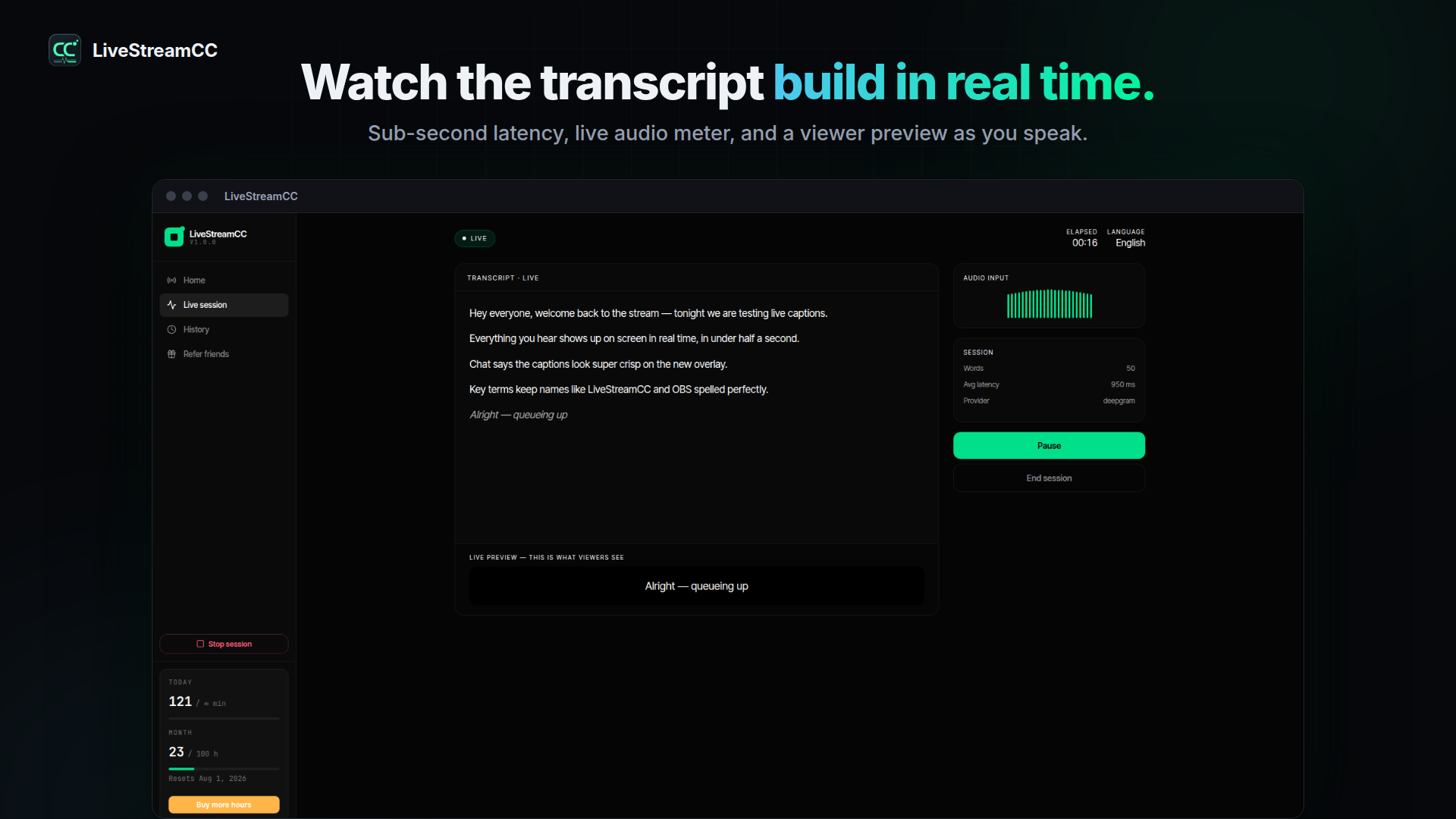
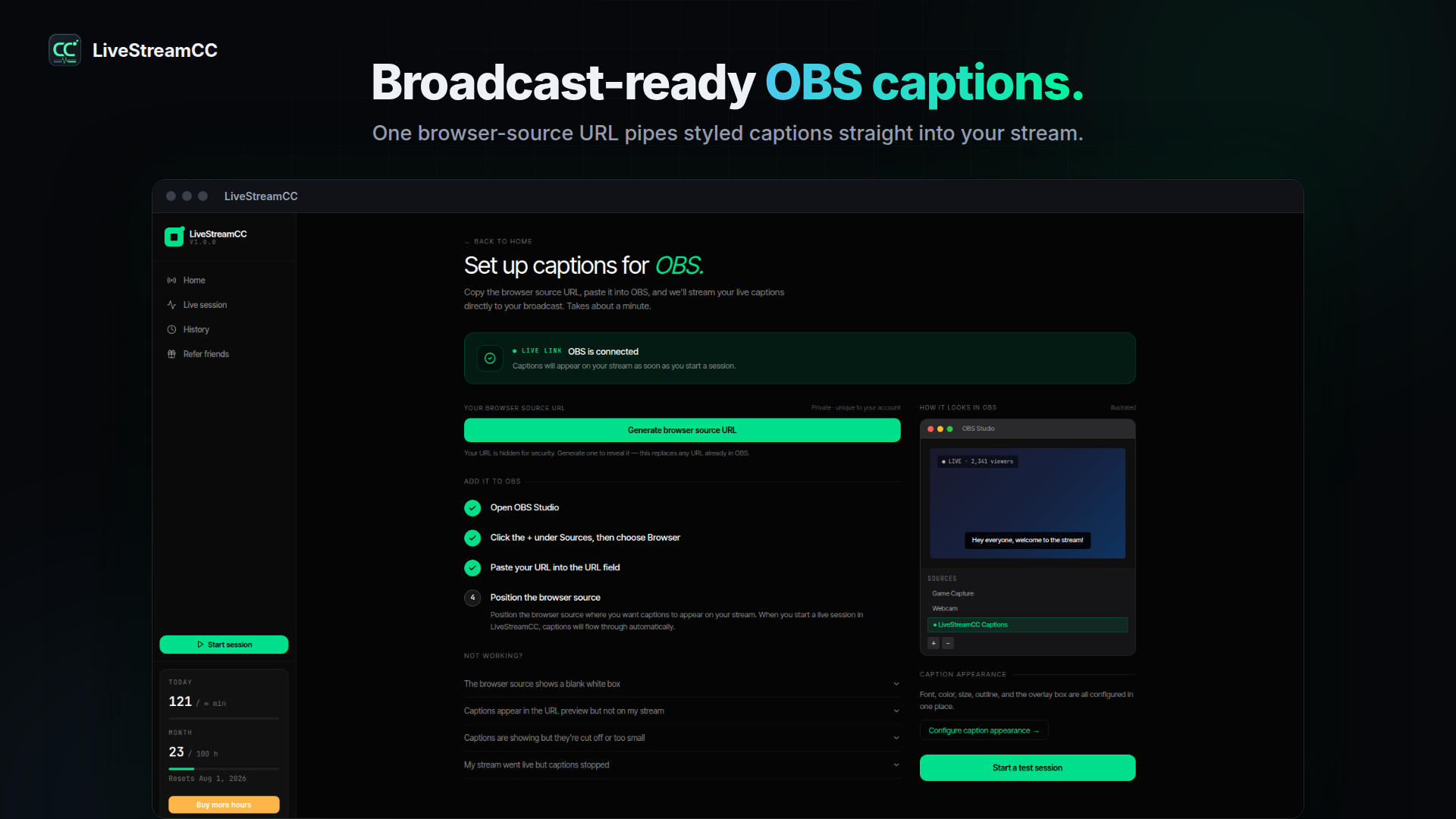
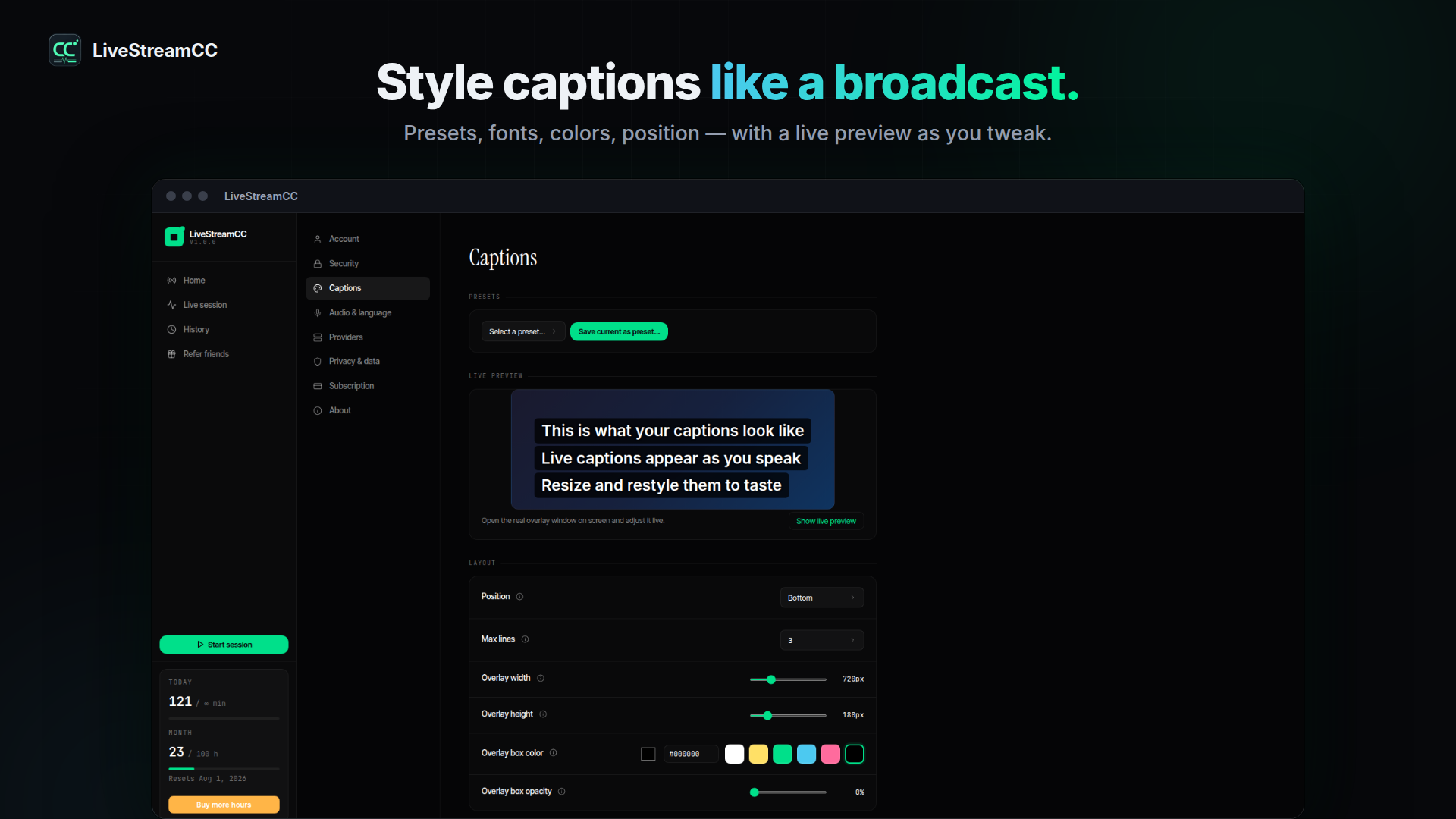
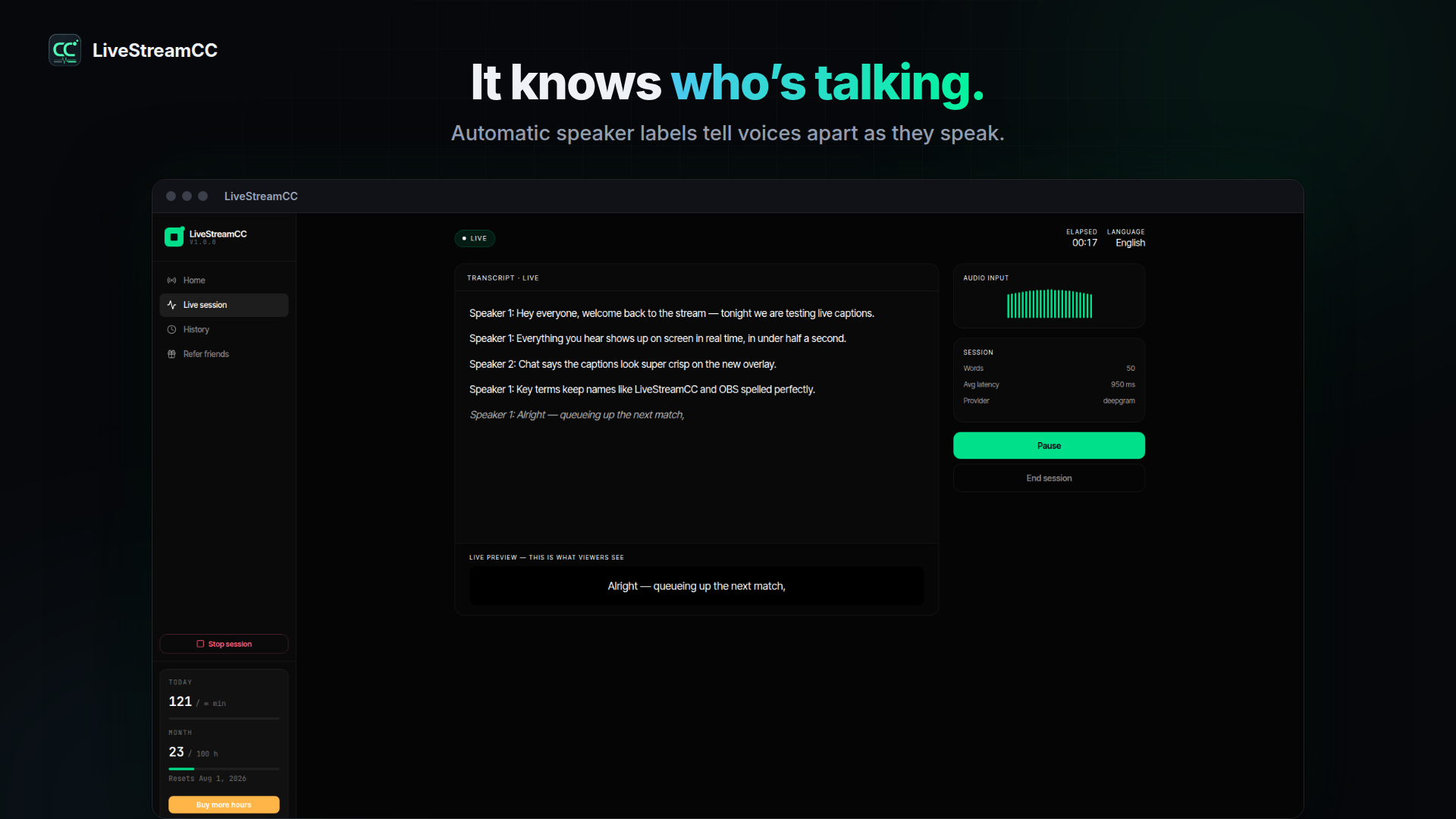
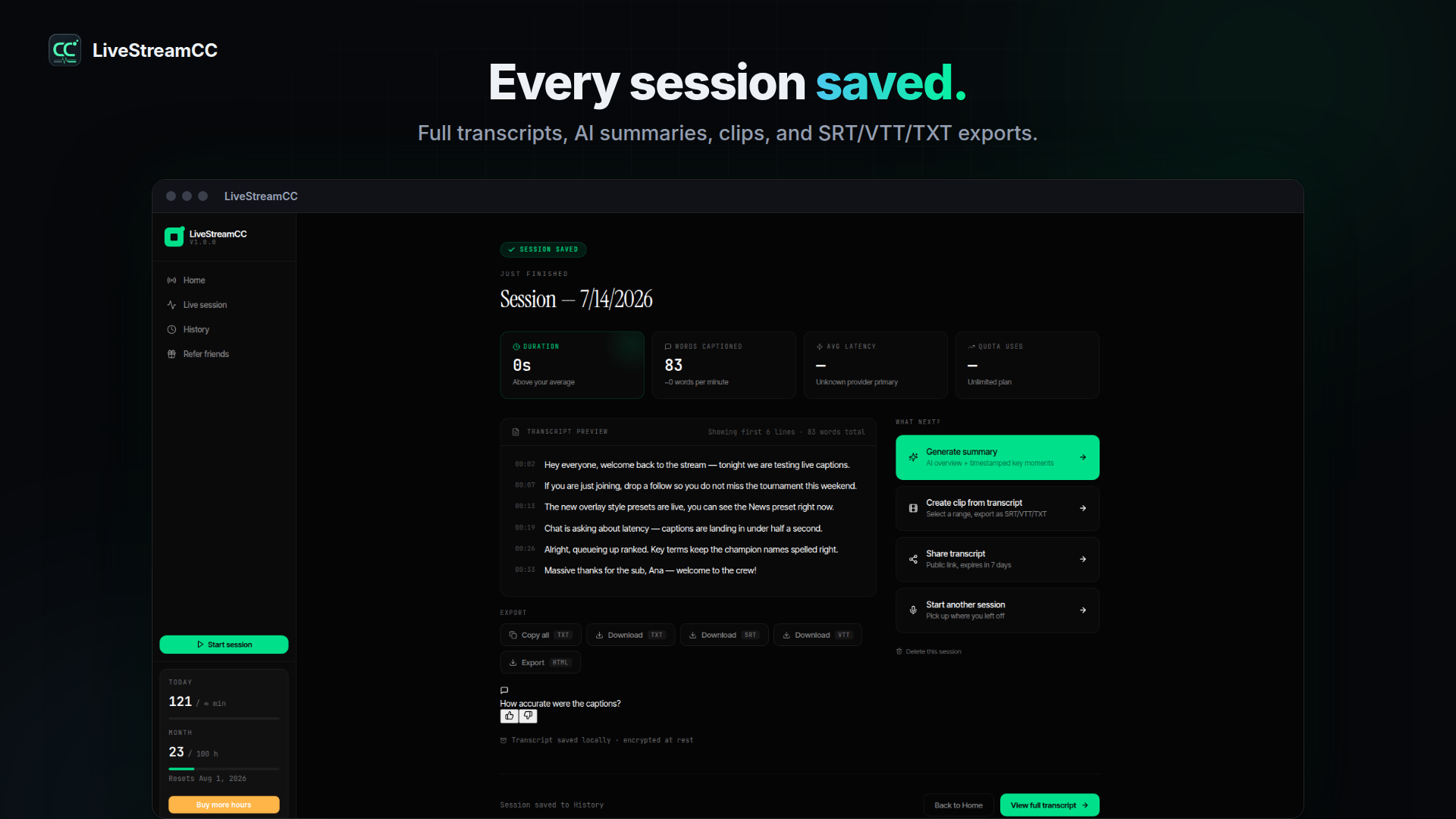
Caption your own broadcast as you speak, or subtitle any stream already playing on your machine.
Spoken words turn into on-screen captions while the session is live.
LiveStreamCC detects the spoken language at the start of a session, and you can lock it manually anytime.
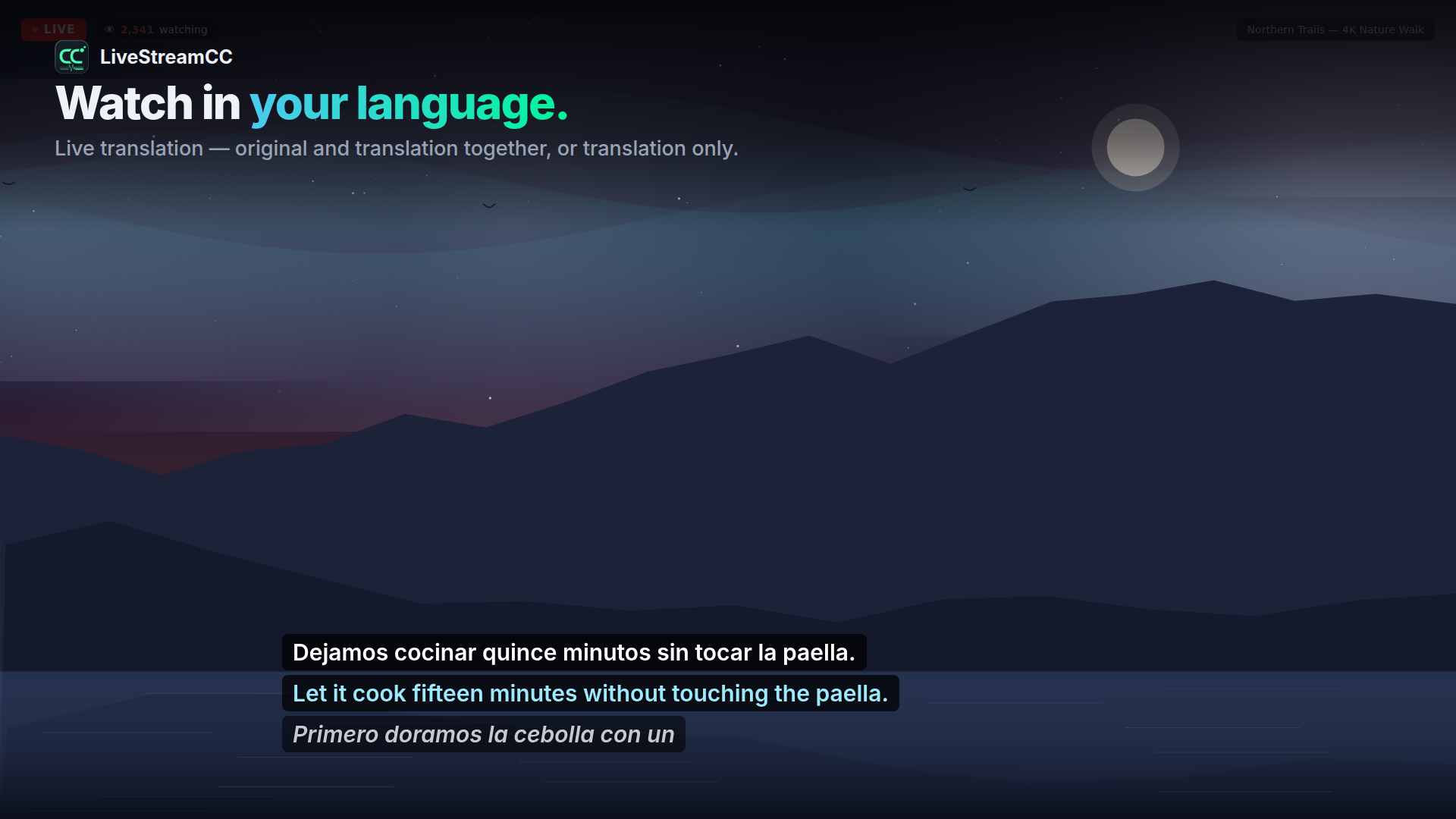
Show your captions in another language, live — translation only, original only, or both.
Automatically tag who's talking so multi-person streams stay easy to follow.
Send captions to an OBS browser source, a transparent always-on-top overlay, or a dedicated capture window.
Fonts, colors, outlines, position and saved presets — with a live preview and accessibility modes.
Every session is saved and private to you, on your own machine by default, ready to export.
New accounts start with a 25-hour, 2-week trial of everything · a free tier always exists · paid plans from $13.99/mo.
A note from the founder. If you used the free trial and didn’t subscribe, I want to know what blocked you — price, a missing feature, captions that didn’t keep up, or something else. Reply to info@omniadataanalytics.com or use the short feedback form. Honest answers help more than polite ones.